The everyday color laboratory
Good color
starts here.
Find your shade. Build a harmony. Check every pairing. Three focused tools for the colors you put into the world.
Browser-based tools · No uploads · WCAG checks
01 / Explore
Color picker
One color, every format. Choose a shade or enter a value to see HEX, RGB, and HSL stay in sync.
HEX: #RGB or #RRGGBB. RGB: 0–255. HSL: hue 0–360, saturation and lightness 0–100%.
Your selected color
02 / Compose
Palette generator
Find colors that belong together. Build a harmony, keep your favorites, and take your palette into your next project.
Send a color from the picker, or randomize the starting point.
Keep what works.
Lock any swatch to preserve it through scheme changes and randomization. Unlock it when you’re ready to explore again.
Four colors. One direction.
Ready for your project
03 / Verify
Contrast checker
Make every word count. Test a text and background pairing against WCAG AA and AAA contrast thresholds.
Read the result
Normal text needs 4.5:1 for AA and 7:1 for AAA. Large text needs 3:1 for AA and 4.5:1 for AAA (18 pt or 14 pt bold).
Readability at a glance
In a real reading context
Readable by design
Small details make a big difference. The right contrast helps your ideas reach more people.
A sample of everyday text, using your selected colors.
This sample uses your colors, including pairings that fail. The results above stay readable.
A little color science
Explore freely.
Choose deliberately.
Color is a creative decision. Readability is a measurable one. Use both to make your next design work better.
01 / Start with a shade
HEX, RGB, and HSL describe the same color in different ways. Pick the format that fits your workflow.
02 / Find the relationship
Harmony gives you a starting point. Lock the colors worth keeping, then copy or export your four-color palette.
03 / Test it in context
White on #4338CA measures 7.90:1 and passes normal-text AA and AAA. Also check focus, labels, and cues beyond color.
Notes from the lab
A closer look at color.
Practical ideas for thoughtful palettes and more accessible design.
-
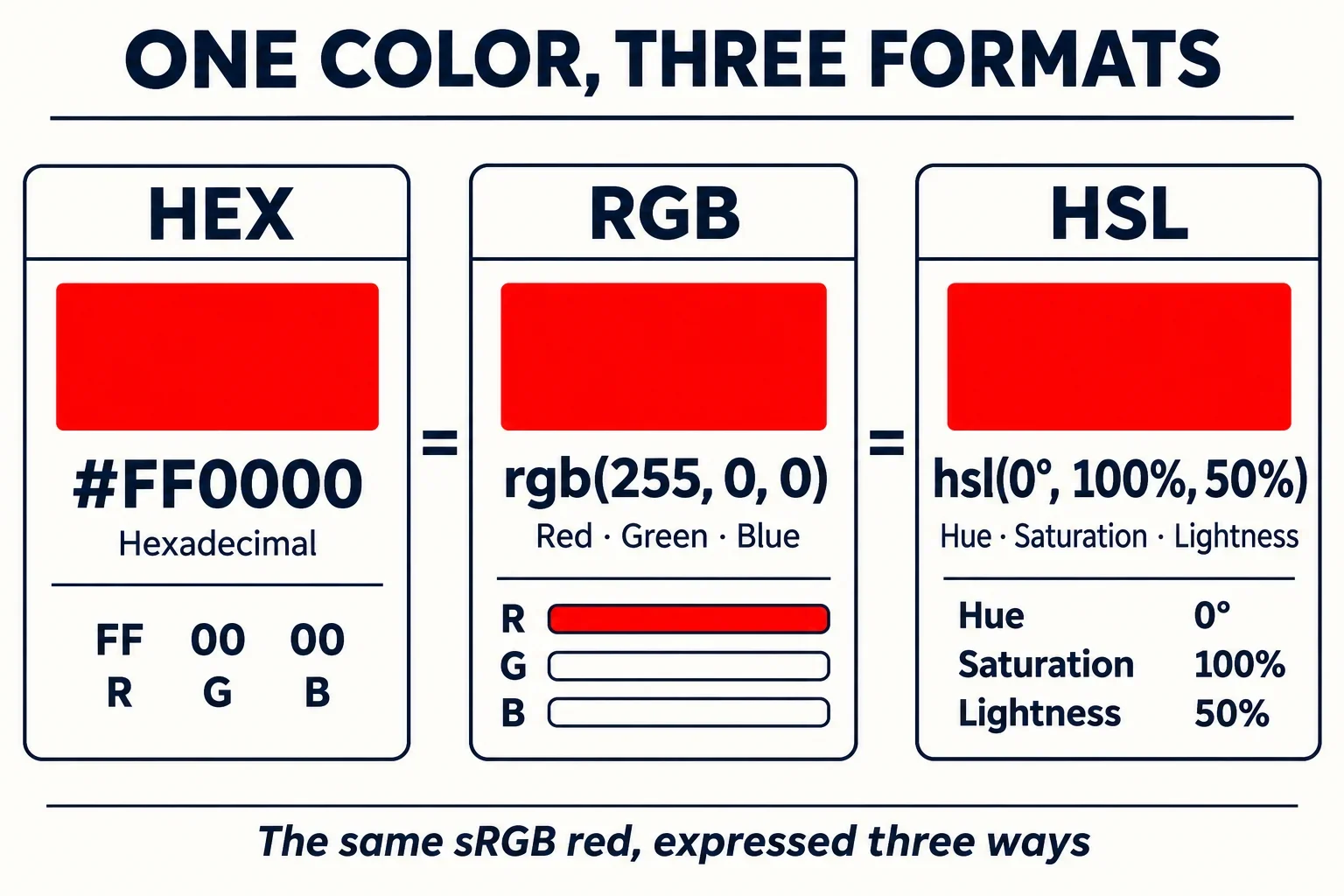
HEX, RGB, and HSL: choosing the right color format
HEX, RGB, and HSL encode the same sRGB colors differently. This guide explains what each format lets you enter or see, when HEX is…
-
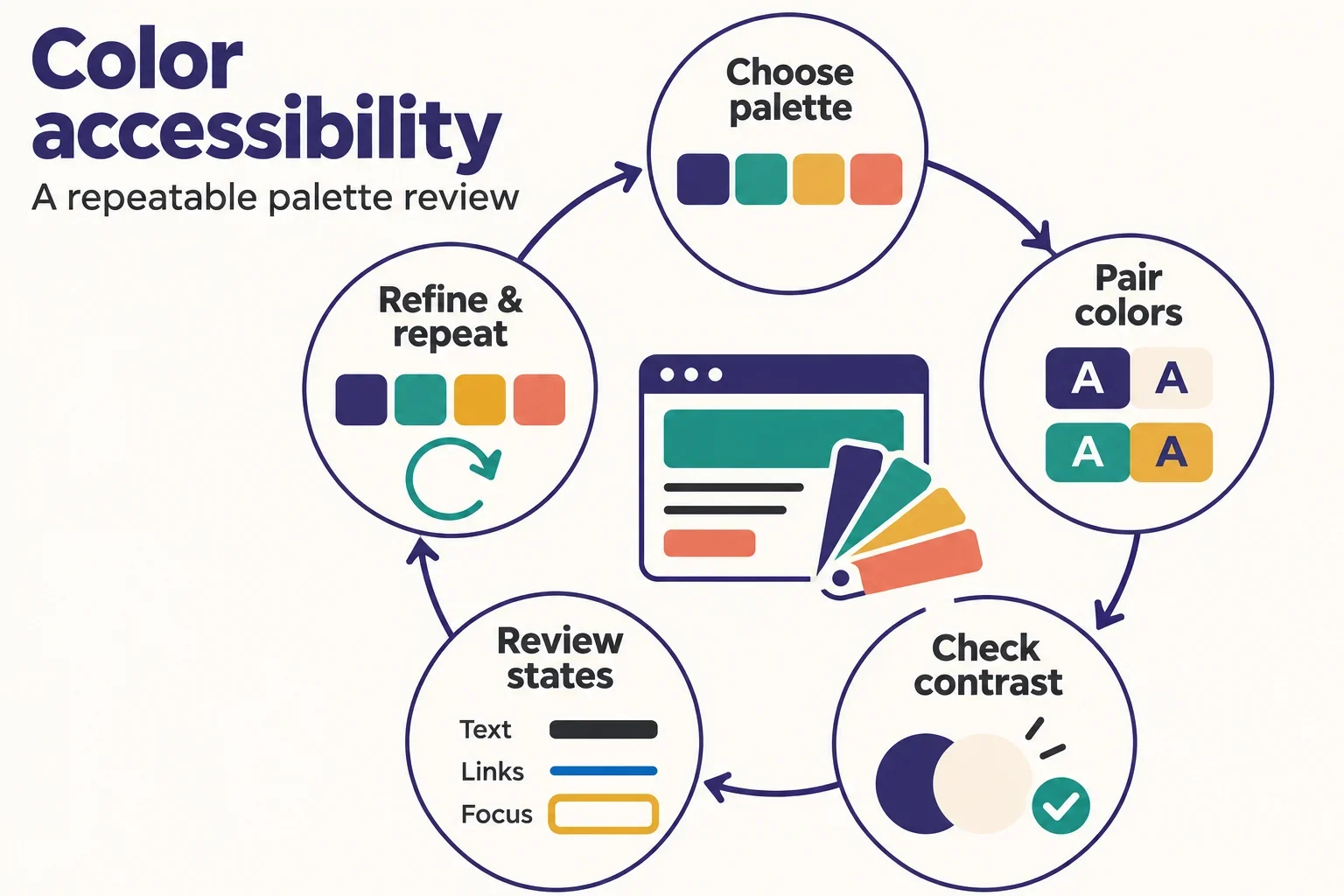
Repeatable Accessibility Review for Website Color Palettes on Palettebench.online
This guide explains how to perform a repeatable accessibility review of website color palettes using Palettebench.online. It covers selecting shades with the color picker,…
-
How to document colors in a lightweight design system
Color decisions become easier to maintain when they are based on a repeatable method instead of visual guesswork. This guide helps designers, developers and…
-
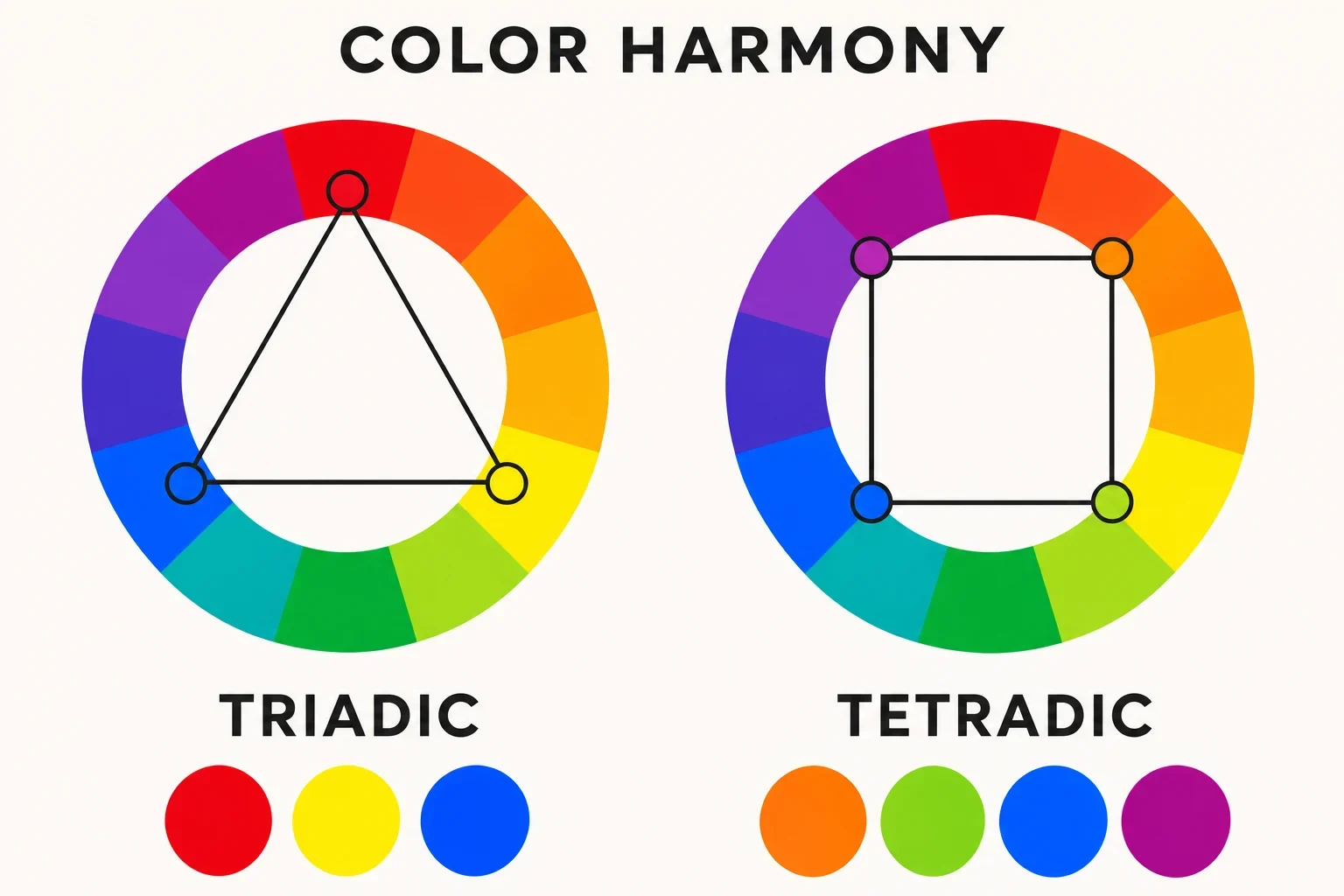
Triadic and Tetradic Palettes Explained with Practical Workflows for PaletteBench
This guide walks end users through triadic and tetradic color schemes on PaletteBench. It covers the color picker, palette generator, and contrast checker, including…
-
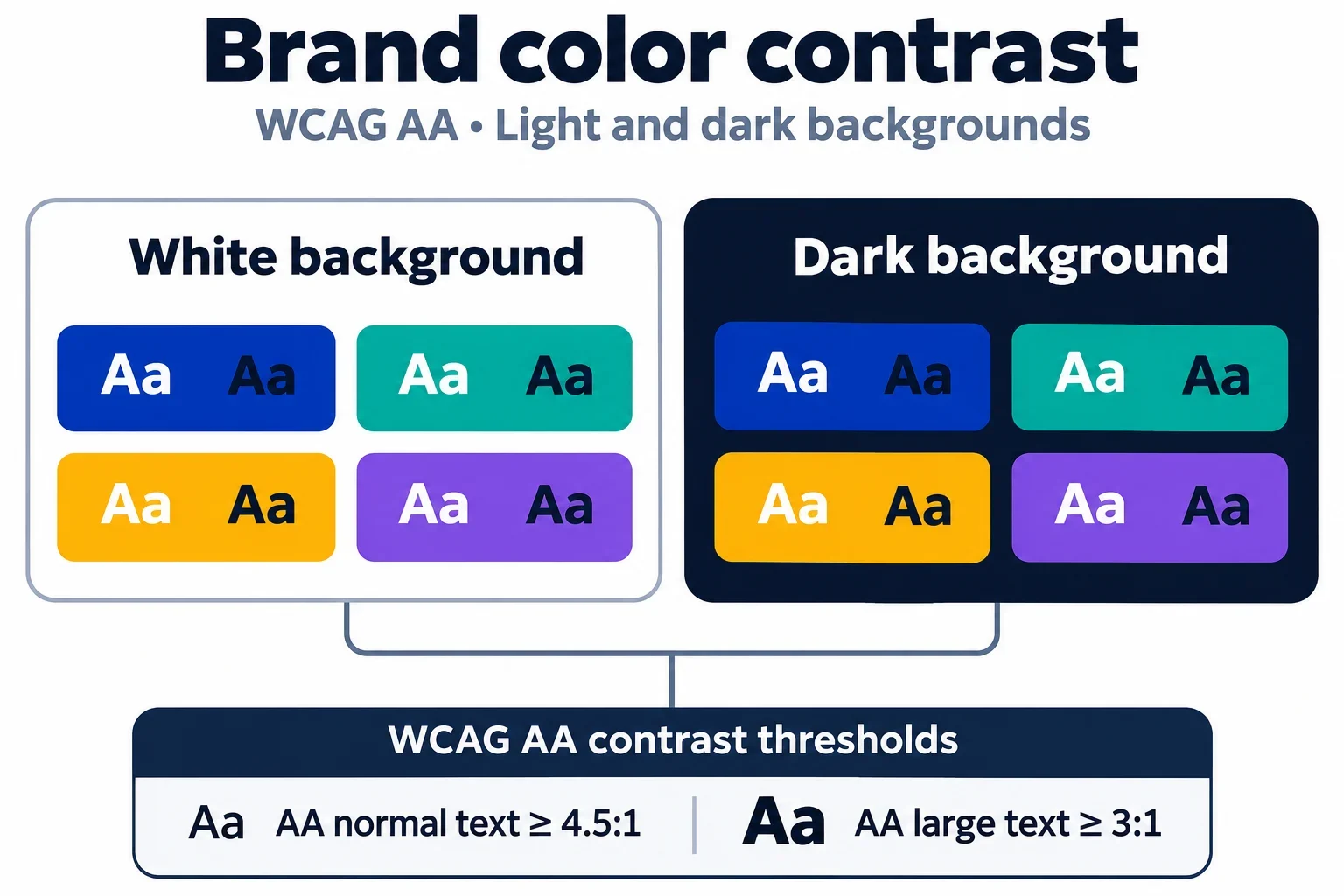
How to Pass WCAG AA Contrast Without Losing Your Brand Identity
This guide explains WCAG AA contrast thresholds, how to audit brand colors for failures, how to derive accessible shades, how to use PaletteBench color…
-
How to Pick Consistent Brand Colors for a Web Project
This guide walks through choosing a consistent brand color palette for a web project using PaletteBench’s color picker, palette generator, and contrast checker. It…